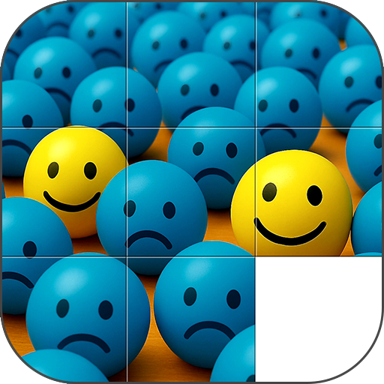
Turn Your Photos Into Brain-Teasing Puzzles
Transform any photo into an engaging sliding puzzle challenge. Track your progress, choose your difficulty, and sharpen your mind while having fun with your favorite memories.
Join thousands of users
Everything You Need for Endless Puzzle Fun
Your Photos, Your Puzzle
Use photos from your library, snap a new picture, or choose from our collection. Every puzzle becomes personal and meaningful when it features your favorite memories, pets, or places.
Three Ways to Play
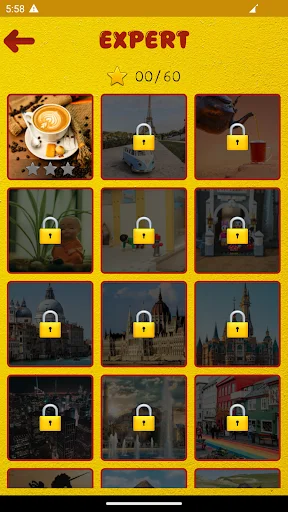
Jump into a Quick Game for instant fun, customize your challenge in Exhibition Mode, or test your skills in Beginner, Intermediate, and Expert challenges. Play exactly how you want, whenever you want.
Track Your Progress
Watch yourself improve with detailed move counting and timing for every puzzle. Beat your personal best records and see your skills grow with comprehensive game statistics.
Perfect for All Levels
Start easy with 3x3 grids or challenge yourself with complex 5x5 puzzles. Adjust the difficulty to match your mood and skill level, ensuring the perfect brain workout every time.
About Sliding Image Puzzle
Sliding Picture Puzzle
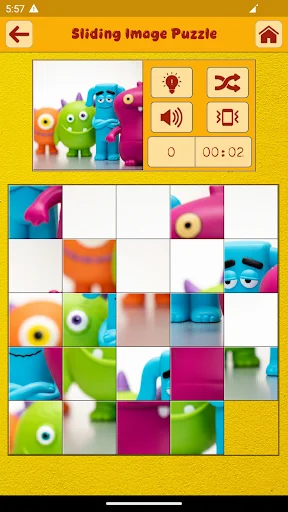
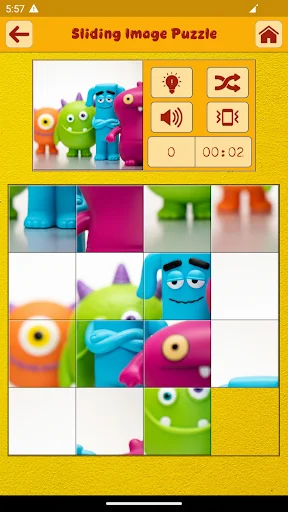
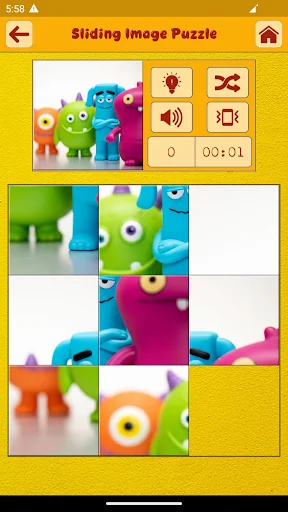
Sliding Picture Puzzle is a simple and entertaining puzzle game. In Sliding Picture Puzzle a picture is torn down into smaller pieces of pictures and is scrambled from their correct position. You have to move the pieces to their correct position to complete the puzzle. You can move a piece to an empty position only.
Sliding Picture Puzzle tracks your number of moves and timing to complete a puzzle and encourages you to improve your last best timing and number of moves.
Sliding Picture Puzzle also shows you the statistics of all the games played.
Sliding Picture Puzzle gameplay modes
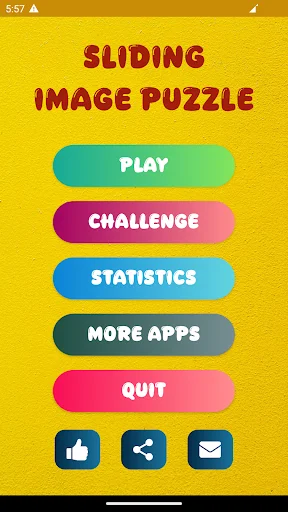
- Quick Game
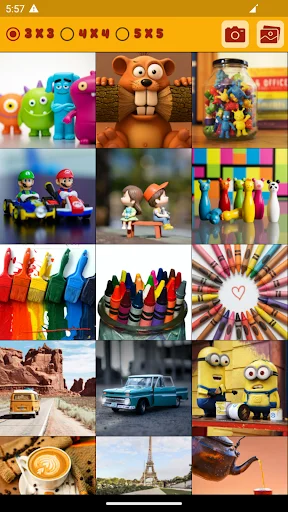
- Just pick a picture from our default in-game pictures or a picture from your saved photos library or just take a picture with your device camera and start playing the game at the very moment.
- Exhibition Mode
- Exhibition mode lets you choose different in-game options to create a unique puzzle game. These options include choosing the number of squares in which your picture will be torn down into, which are 3 x 3, 4 x 4, or 5 x 5.
- Challenge mode
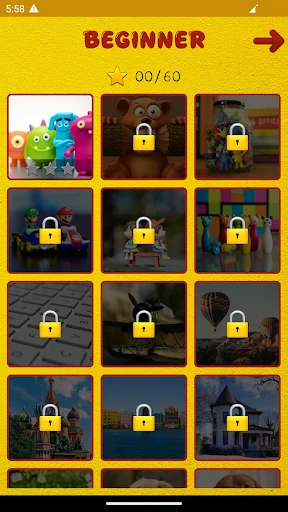
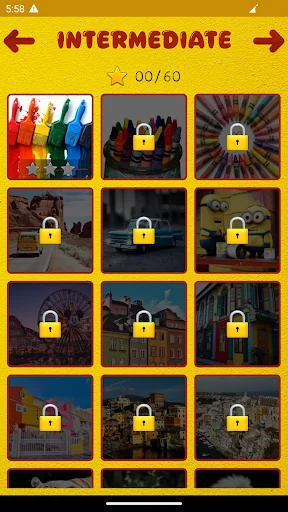
- There are three challenge modes in the Sliding Picture Puzzle. These challenges are Beginner, Intermediate & Expert challenges.
Icon Attribution
Icons used in this app are created by the following authors from Flaticon: Freepik, Pixel perfect, Icon home, Kirill Kazachek, Kiranshastry, yaicon, prinda895, Mayor Icons, Ylivdesign, chehuna, Gregor Cresnar, Vitaly Gorbachev.
Icons sourced from: www.flaticon.com
See the Fun in Action
Loved by Puzzle Enthusiasts Everywhere
Nice images and nice game.
Very nice game
Really good
Best tp